Install SQL Express from Site Manager
First make sure you have downloaded a Site Manager install that includes the correct version of the SQL Express server you need.
-
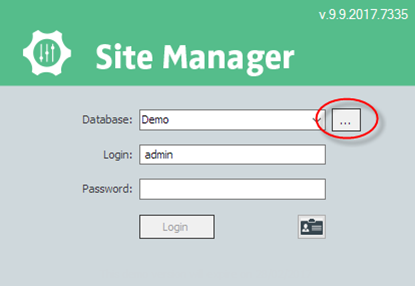
In the Site Manager log in screen press the ... button
-
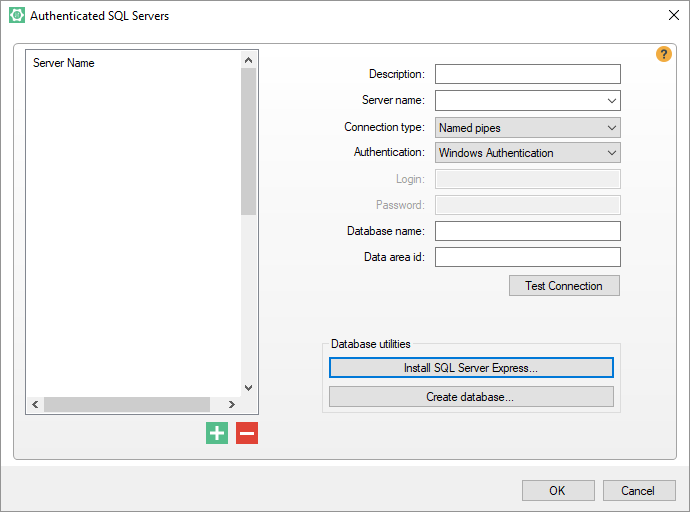
Now the Authenticated SQL Server dialog opens
-
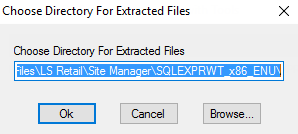
You will be asked to choose a directory and after you press Ok the install progress will start.
- Now the SQL Express server included in your Site Manager installation will be installed silently on your machine. This will take some time.
- How to check if done and what are the details I need to know about the SQL setup.
sa
D0nt.F0rget
DataDir
DataDir.2008
Change the password of these users!
named instance? SQLEXPRESS

